Product case study
SafeSignal
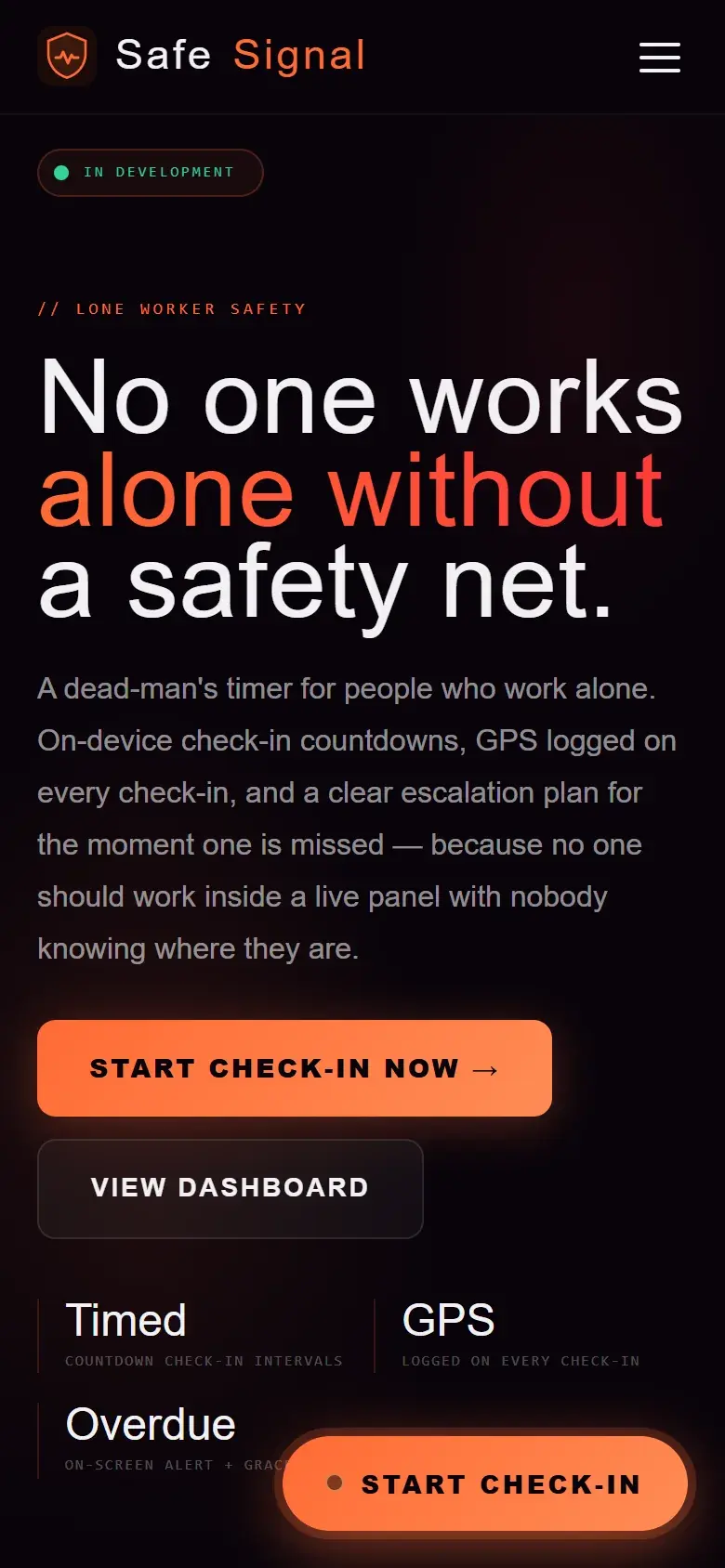
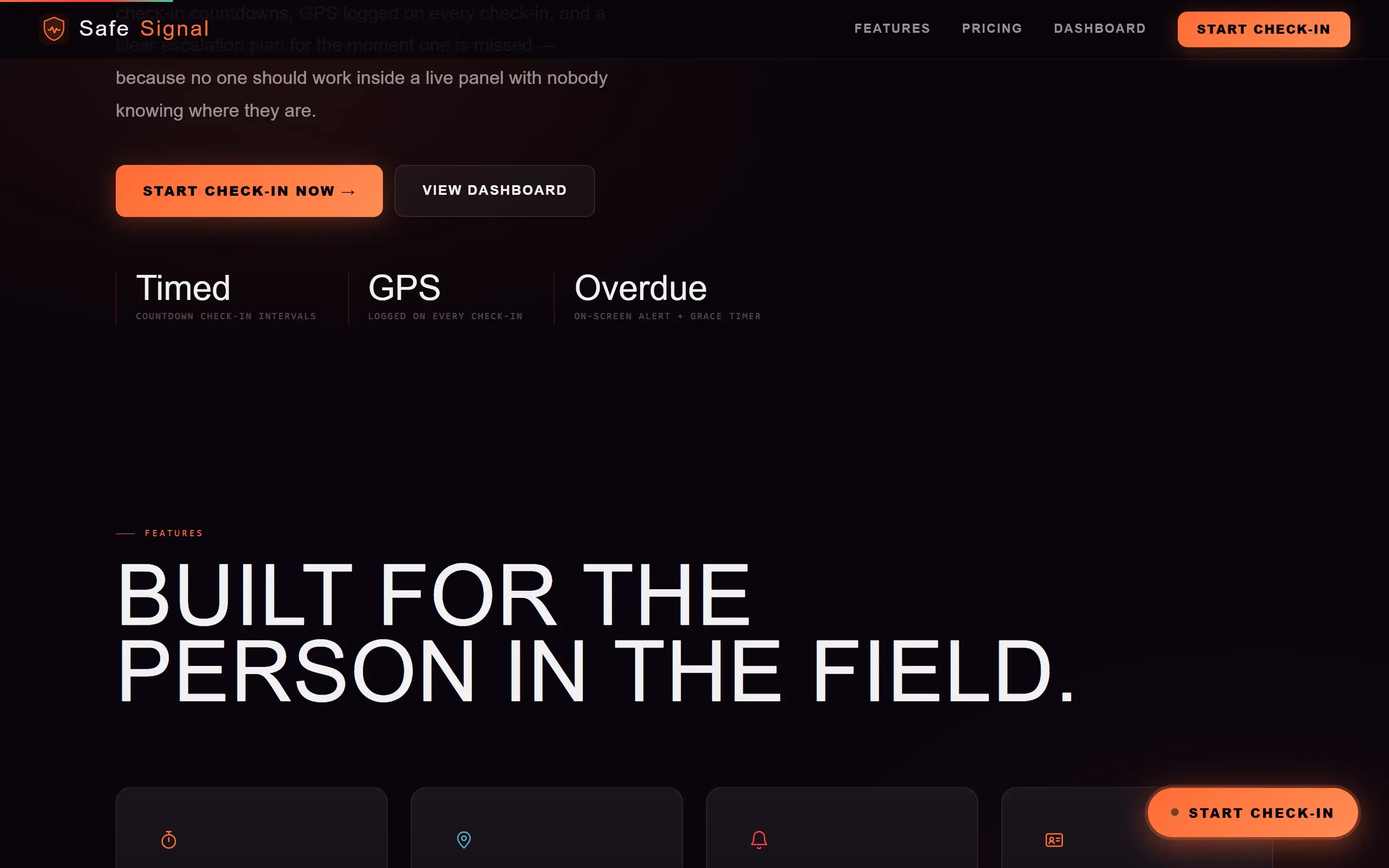
Runs timed lone worker check ins, captures optional location evidence, and keeps a clear session record on the current device.
Explore the case study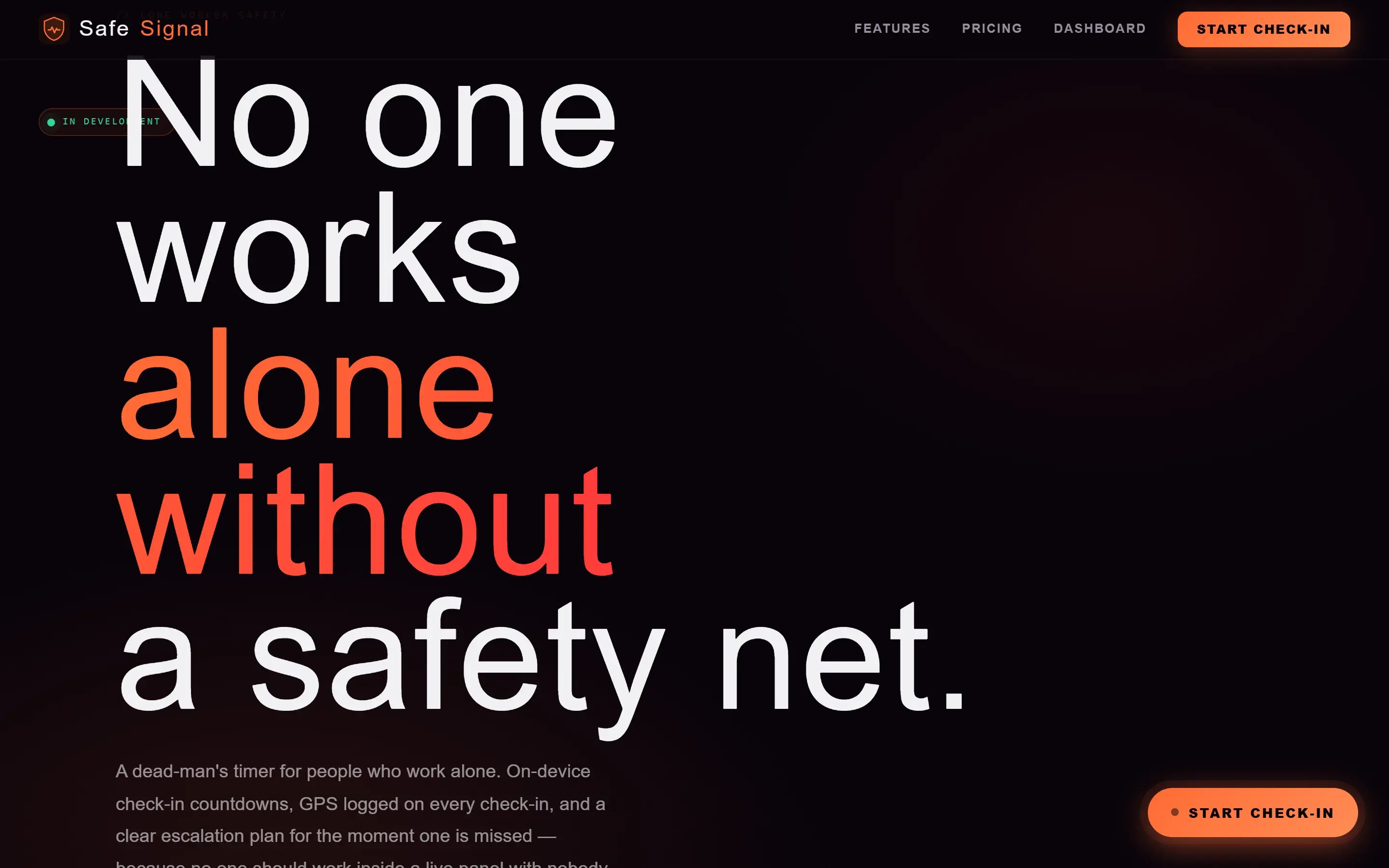
- Role
- Product design and engineering.
- Stack
- Next.js, TypeScript, Geolocation, Local browser storage
- Source
- View source on GitHub
A closer look
The problem
Lone workers need a clear way to record check ins. A preview must not imply that anyone is actively monitoring it.
The objective
Make the timer, status, next action, and product limits clear at a glance.
Research
I mapped four timer states: normal, approaching, grace, and overdue. Each needed a name, time, and next action.
Design decisions
Name every state
Colour supports the status, but text carries the meaning. Time and action stay together.
Put the limitation beside the promise
The preview states that it cannot monitor, call, message, or dispatch help. Sample data is labelled in place.
Engineering decisions
Derive status from one timer model
One deadline and grace period determine every visible state, keeping the interface consistent.
Keep evidence optional and local
Location is optional. Session records stay on the current device.
Challenges and tradeoffs
An overdue state must feel urgent without suggesting that an alert has been sent. The interface says exactly what has and has not happened.
The product became clearer when its limits moved into the main interface.
The solution
A local preview with timed check ins, optional location, session history, and four clear timer states.
- Next.js
- TypeScript
- Geolocation
- Local browser storage
Results
Visitors can start a session, record a check in, and inspect the local history. The limits remain visible throughout.
Lessons learned
A working interface is not a monitored safety service. Real alerts require a tested notification and response system.