Product case study
ApprenticeLog
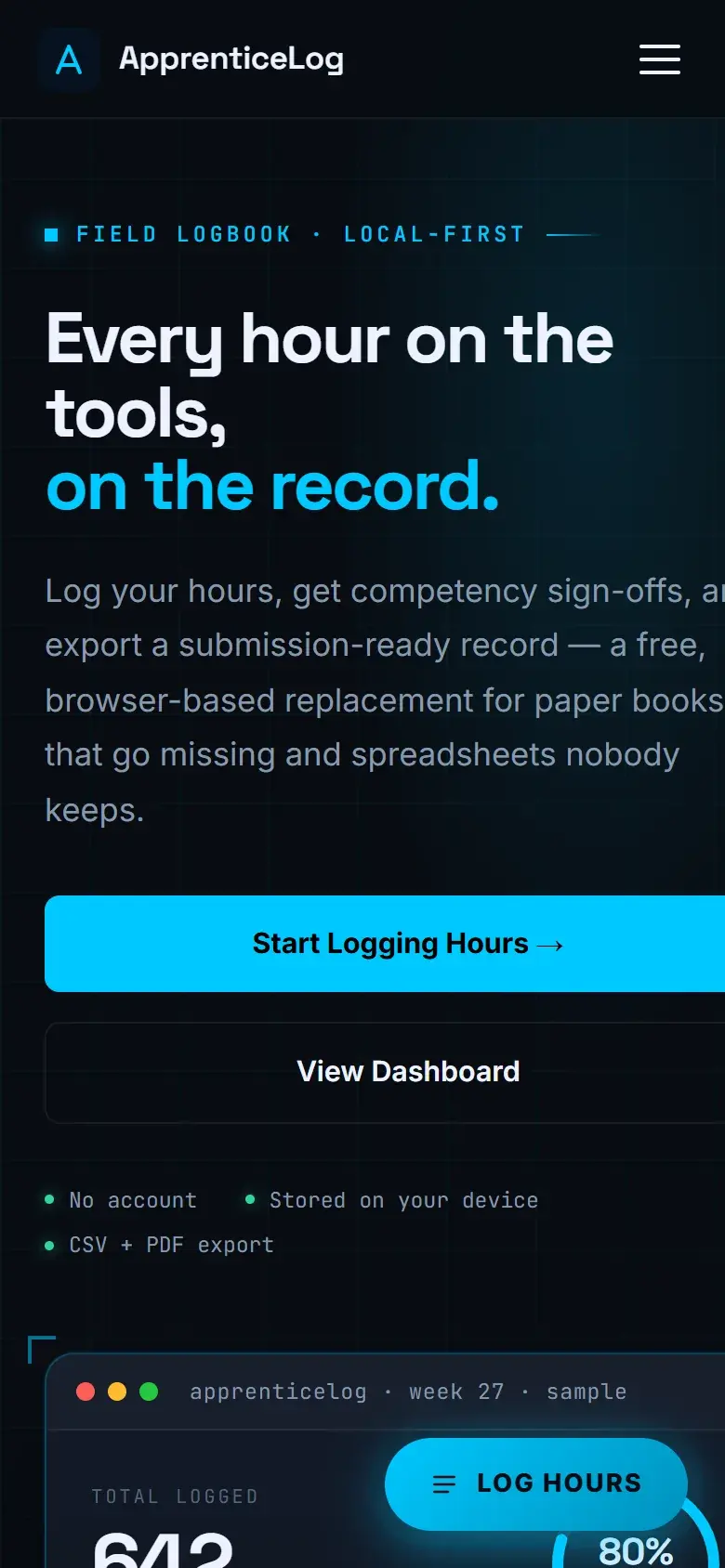
Keeps apprenticeship work records, competency links, review states, and exports together in one clear local workspace.
Explore the case study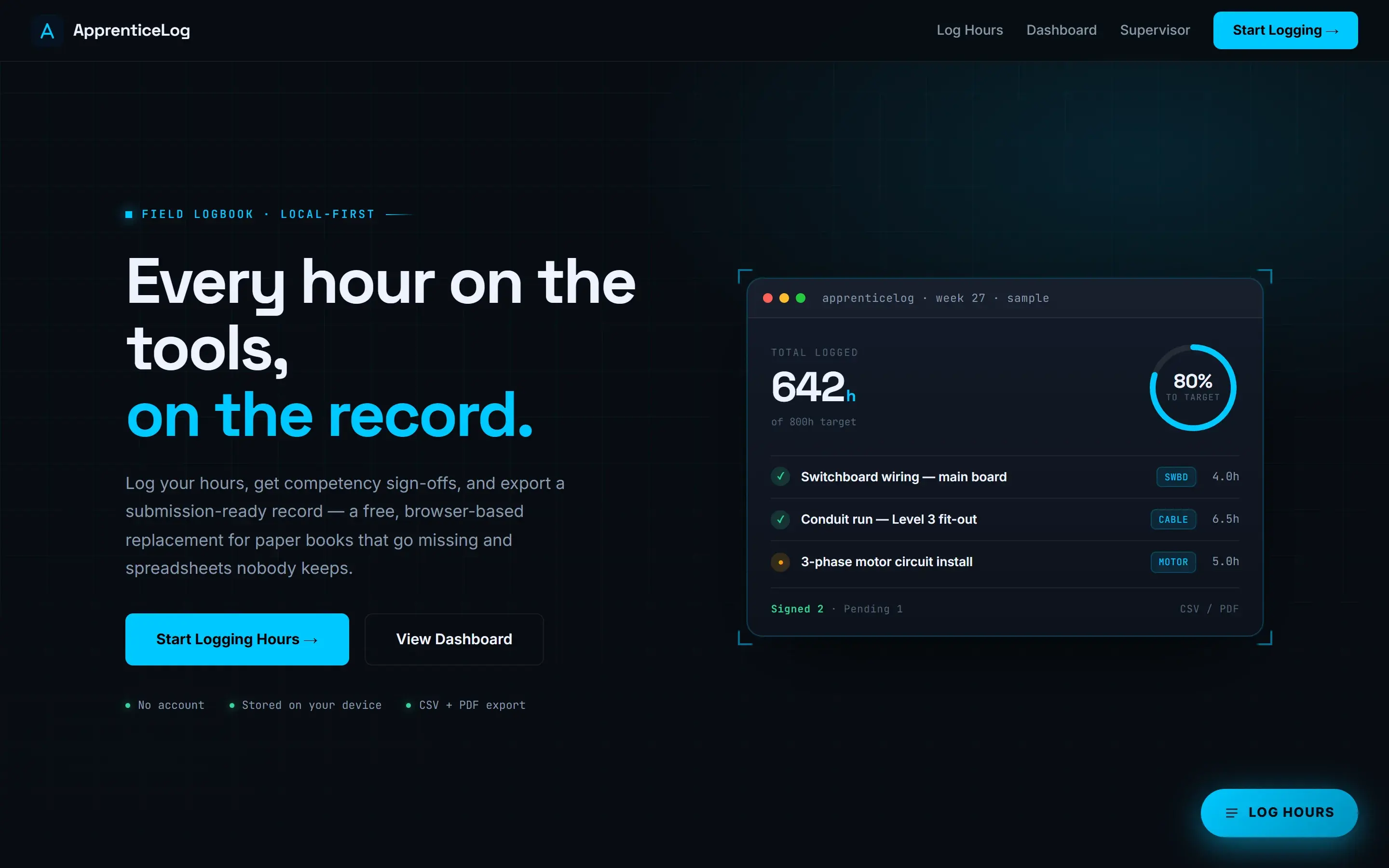
- Role
- Sole designer and engineer. Product definition, interface, and build.
- Stack
- Next.js, TypeScript, Local browser storage, Export and restore
- Source
- View source on GitHub
A closer look
The problem
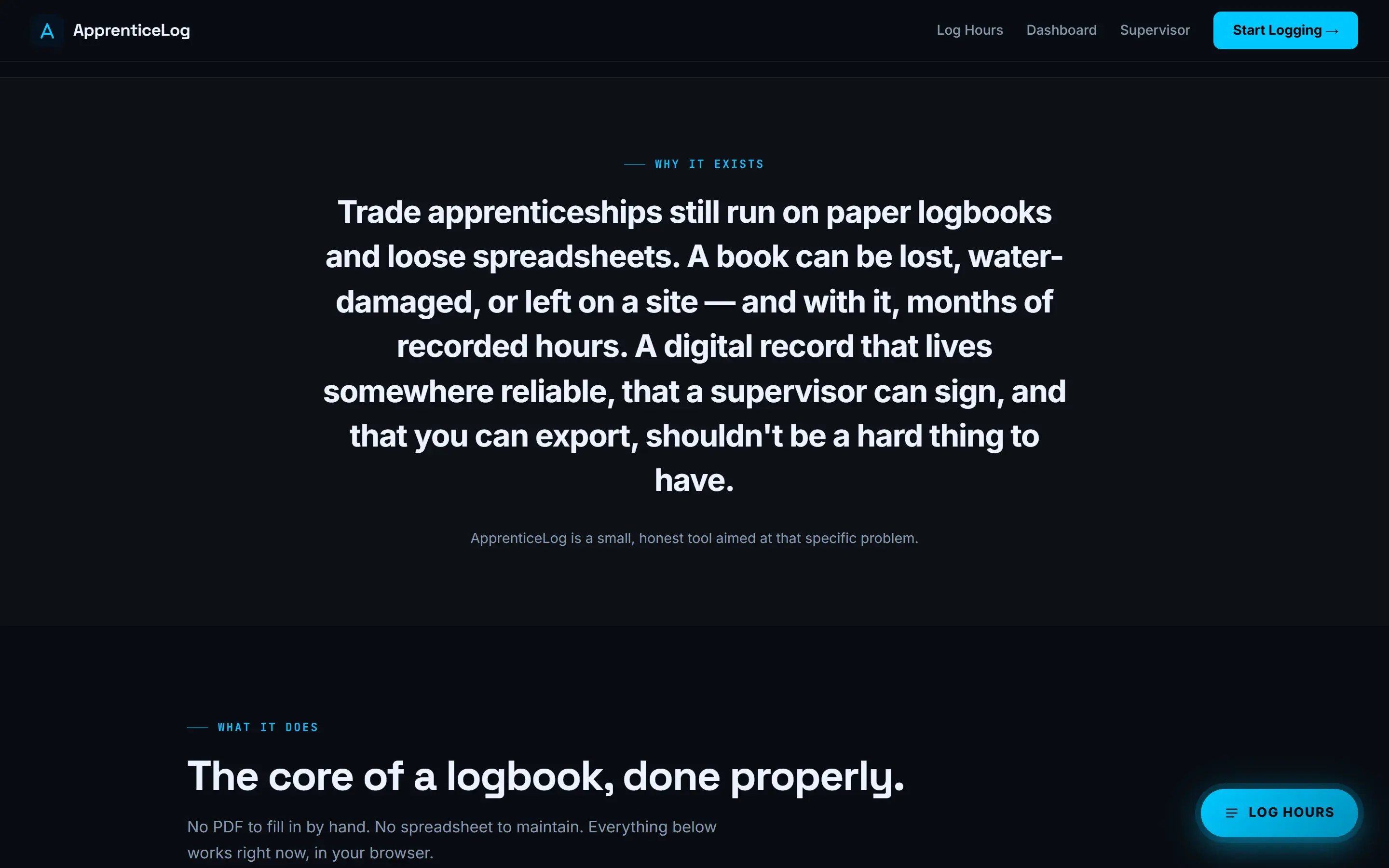
Apprenticeship records are easy to postpone. A useful log needs enough structure for work details, competency links, evidence, and review history without turning each entry into a long administrative task.
The objective
Make everyday record keeping clear on a phone and useful during review. Keep the current preview honest about what is stored locally and what still needs a configured production service.
Research
I mapped the information an apprentice, supervisor, and assessor need at different points in the record. That led to separate entry, competency, review, report, and backup views instead of one oversized form.
Design decisions
Start with the next useful action
The dashboard shows recorded time, review status, and a direct route to a new entry. It keeps the first screen about progress and the next task rather than filling it with administration.
Make review state visible
Draft, submitted, returned, and approved records use text labels as well as colour. The history stays attached to the entry so a change can be understood later.
Engineering decisions
Treat local storage as a real constraint
The open preview stores records in the current browser. Export, restore, validation, and safe migration paths are part of the product because local data can disappear when browser storage is cleared.
Separate preview and server capabilities
Account, organization, evidence upload, and migration routes check their configuration before claiming to work. The public interface says clearly when those services are unavailable.
Challenges and tradeoffs
The main tradeoff is usefulness without pretending the preview is a connected apprenticeship service. Local records make the workflow testable now, but they do not provide shared access, notifications, secure cloud evidence, or an independent audit trail.
The product became more credible when the storage limits moved into the interface instead of being left in technical notes.
The solution
A responsive apprenticeship workspace for entries, competencies, review states, reports, backups, and an explicit future migration path. The public preview works locally and labels every connected capability that is not active.
- Next.js
- TypeScript
- Local browser storage
- Export and restore
Results
The current deployment lets anyone create and review sample apprenticeship records in their own browser, export a backup, restore it, and inspect the full workflow without creating an account.
Lessons learned
Clear limits build more trust than an ambitious feature list. The next production step is not more interface. It is a configured identity, database, storage, and notification service with the same honesty at every failure state.